
3 Key Techniques for User-Friendly URL Design: Strategies to Boost Click-Through Rates and SEO Rankings

Three Practical Design Techniques for User-Friendly URLs
Imagine a user sees two links in search results: one is a jumbled mess of characters, the other is clear and easy to understand. Which one are they more likely to click? The answer is obvious. This seemingly minor detail is the core value of user-friendly URL design—it's not just a technical specification, but a critical battleground that directly impacts click-through rates, user trust, and search rankings.
In the fields of digital marketing and website optimization, URL structure design is often overlooked by beginners, yet it forms the first impression users and search engines have when they "encounter" your site. A messy, disorganized URL is like a storefront with a blurry sign—it discourages people from entering. Conversely, a well-structured, semantically clear user-friendly URL can effectively convey the page's content, significantly improving readability and credibility, paving the way for subsequent interaction and conversion.
Have you ever wondered how a good URL should actually be designed? This article will provide an in-depth analysis of three core user-friendly URL design techniques, along with specific implementation steps and business application examples. Whether you're an SEO beginner, a content marketer, or a website owner, you can follow the guidance in this article to build a URL structure that is "friendly" to both users and search engines, thereby enhancing your site's overall performance and business conversion rate. Let's get started!
Technique 1: Designing Clear, Semantic URL Paths

The core of a friendly URL lies in making the URL itself convey content information. A well-structured, semantically clear URL path not only boosts SEO rankings but also directly improves user experience, making it immediately understandable for both visitors and search engines.
Why is Path Hierarchy So Important?
According to Google's official guidelines, a logically clear URL structure helps search engines understand the hierarchy and relationships of a website's content. However, some early SEO perspectives suggested that overly optimized paths might appear "unnatural." My analysis is: search engine algorithms have advanced significantly, and semantically clear paths are now a basic requirement. From a practical standpoint, a clear hierarchy (e.g., /blog/seo-friendly-url) helps users preview the site structure, reducing bounce rates, which is crucial for websites with strong commercial intent.
Implementation Steps: From Planning to Setup
- Use Descriptive Words Instead of Meaningless ID Numbers: Avoid URLs like
/product?id=12345. Instead, use descriptions containing keywords, such as/product/seo-software-recommendations. According to Moz research, this can significantly improve click-through rates. - Establish Logical Path Hierarchies that Match the Site Structure: Paths should reflect content categorization. For example, an e-commerce site can use the
/category/product-nameformat. This gives the URL the benefits of a semantic URL while maintaining an SEO-friendly structure. - Avoid Overly Long or Deep Directory Structures: Paths should not exceed 3-4 levels (e.g.,
/a/b/c/d/e), as this can affect crawling efficiency and user memory. - Consistently Use Lowercase Letters and Hyphens (-) to Separate Words: This is the international standard for URL structure, ensuring consistency and avoiding errors.
Important Note
Warning: Avoid using Chinese punctuation or spaces! A common mistake on Taiwanese websites is using full-width symbols or spaces in URLs, which can cause encoding issues (e.g., %20 representing a space), making URLs difficult to read and share. Always use hyphens (-) to separate words. For example, the correct format should be
seo-friendly-url, notseo friendly urlorseo-friendly-url.
Business Case: Product Category Optimization for an E-commerce Site
Take an e-commerce site selling AI writing tools as an example. Before optimization, a product page URL might be /p/123; after optimization, it should be designed as /ai-writing-tools/seo-content-generator. This directly applies the "friendly URL" principle to path design: the path hierarchy (tool category/product name) is clear, and descriptive words are used. Based on experience, such a change not only benefits SEO but also allows marketing personnel to directly convey product value when sharing links, improving the conversion rate of advertising campaigns.
In summary, a well-structured URL path is the cornerstone of a friendly URL. It combines technical SEO considerations with user experience. I strongly recommend that beginners start thinking about path design in parallel with planning the website's information architecture, as this lays a solid foundation for all subsequent SEO work.
After mastering path design, we will next explore how to infuse keywords into URLs to make them more attractive and advantageous for search.
Tip 2: Precise and Keyword-Rich URL Name Setting
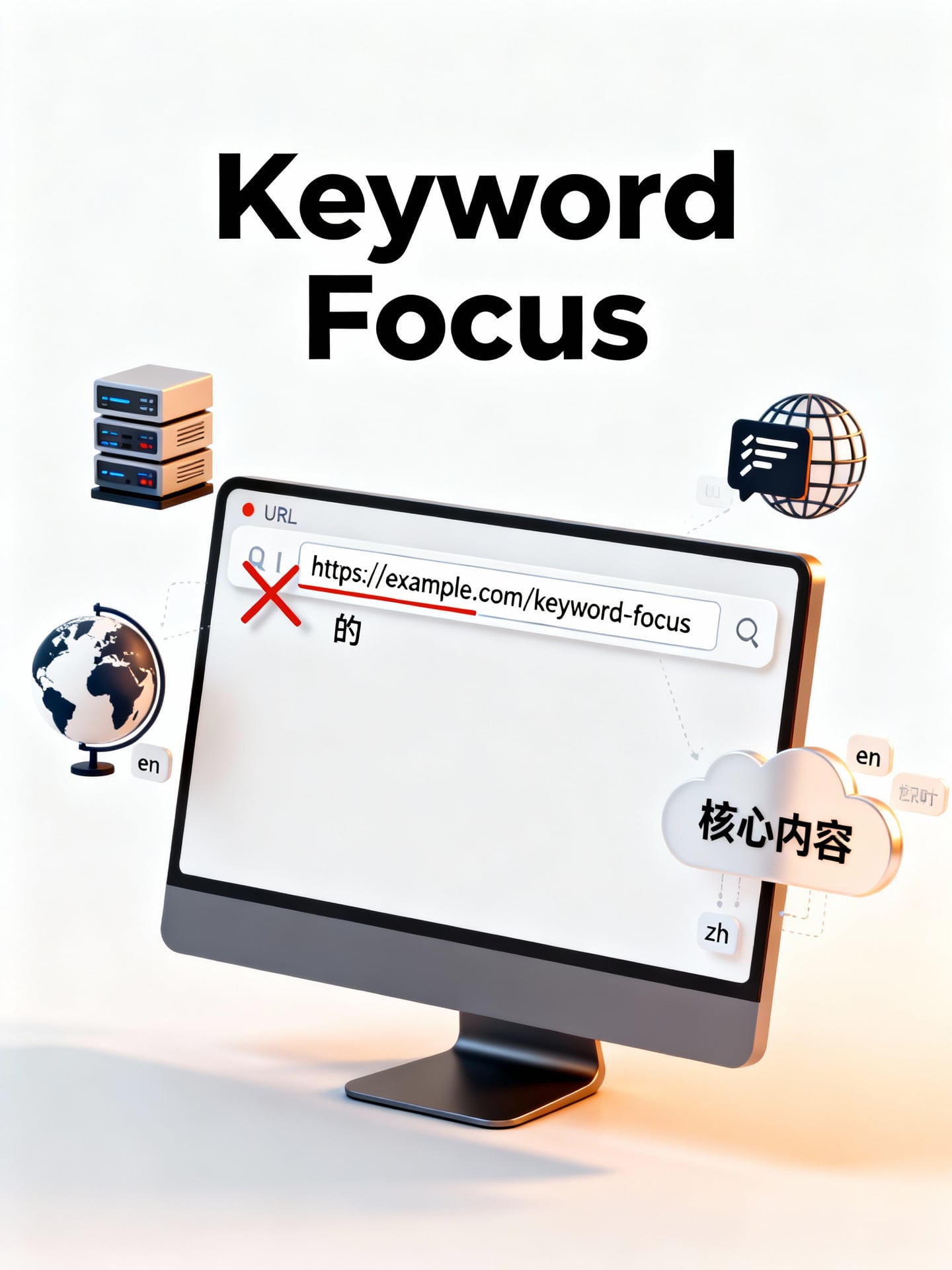
Friendly URL design is not just a technical detail; it's a key strategy affecting search engine rankings and user click-through rates. A precise URL name containing target keywords can clearly communicate the core content of the page to both search engines and users, thereby enhancing content relevance and click-through rates.
How to Choose Effective Target Keywords?
According to Moz's guidelines, when selecting keywords for friendly URLs, priority should be given to terms with high search volume and strong relevance to the page content. However, Ahrefs' research suggests that in highly competitive markets, sometimes choosing long-tail keywords with clear search intent can attract more targeted traffic.
My analysis: For SEO beginners, I recommend using Google Search Console or keyword planning tools to identify the 1-2 main keywords that best match your page topic. The key is "precision" over "quantity." Avoid stuffing too many irrelevant terms, as this can dilute the URL's focus. For example, if the page topic is "Friendly URL Tutorial," that should be the core.
Detailed Steps: From Keyword Research to URL Generation
- Research and Selection: Confirm the single core topic of the page and select the main keyword that best represents it.
- Incorporate into Slug: Naturally incorporate this keyword into the URL slug. For example, for an article about "Friendly URL Tips," the slug could be set as
/friendly-url-tips. - Keep it Concise: Remove stop words (like "the," "and," "a") and use hyphens (-) to separate words. This makes the URL more readable and search-engine friendly.
- Reflect Content: Ensure the final URL name accurately and clearly reflects the page's core content. Users or search engines should immediately understand what to expect upon seeing the URL.
From a practical perspective, this process strengthens "content relevance." A precisely descriptive URL acts like a "content address label," satisfying both search engine crawlers and the expectations of real users.
Application Example: URL Optimization for a Content Blog Article
Suppose you've written a blog post titled "Top 3 Friendly URL Design Tips to Boost Click-Through Rates in 2024."
- Poor Example:
/post1234or/blog/2024/03/15/article- (Problem: Conveys no content information, detrimental for SEO and user understanding.)
- Good Example:
/blog/friendly-url-design-tips-2024- (Advantage: Contains the main keyword "friendly-url-design-tips," specifies the topic "tips," removes stop words, and has a clear structure.)
This example demonstrates how to naturally incorporate keywords through URL naming and Slug design, turning the URL itself into an effective SEO asset.
Local Advantage
For the Taiwan market, a localized strategy for friendly URLs can significantly enhance local search affinity. It is recommended to directly use the common English transliteration or common translation of Traditional Chinese keywords in the URL slug. This balances international standards with local user recognition habits. For example, for the topic "Taipei Food Recommendations," the URL could be set as
/taipei-food-recommendation; for "AI Writing Tool Comparison," it could be/ai-writing-tool-comparison. This approach allows URLs to be effectively indexed by international search engines while enabling local users to instantly understand the content's main idea, strengthening click-through confidence.
Furthermore, for websites operating in multiple languages or regions, setting up corresponding URL structures for different language or regional markets is crucial. For example, using subdomains (tw.example.com/friendly-url) or subdirectories (example.com/tw/friendly-url) to distinguish Taiwan Traditional Chinese content can clearly signal the target region to search engines, improving ranking opportunities in local search results.
In summary, precise URL naming is the core, connecting technique in friendly URL design. It puts keyword research into practice and lays a solid foundation for subsequent technical settings and content promotion.
Technique 3: Ensuring URL Stability and Standardization

The design of friendly URLs is not just about initial creation, but also about long-term maintenance and management. Once you've established clear, keyword-rich friendly URLs, maintaining their stability becomes key to SEO success. This section will delve into how to protect your SEO investment through standardization and careful change strategies.
The Potential Risks and Costs of URL Changes
According to Google's official guidelines, frequent URL changes may be seen by search engines as a sign of website instability, leading to ranking fluctuations. However, the industry has different views on this: some senior SEO consultants believe that as long as redirects are handled properly, necessary structural adjustments offer more benefits than drawbacks; but most content marketing platforms emphasize that for beginners, avoiding changes is the safest strategy.
My analysis is that these two perspectives are actually complementary. From a practical standpoint, once friendly URLs are established, changes should be avoided as much as possible, because each change comes with risks of temporary ranking drops, loss of external link equity, and user confusion. However, if changes are necessary due to rebranding or website architecture optimization, 301 permanent redirects must be implemented. This is the only reliable method to pass the PageRank from the old URL to the new one. I recommend that SEO beginners treat URLs as long-term assets, carefully considering them during the planning phase to reduce the need for future changes.
Standardization Implementation Guide: Redirects and Canonical Tags
URL standardization aims to eliminate duplicate content and provide a single, authoritative version for search engines. The main implementations include two aspects:
- Unify Protocol and Domain: Ensure the website consistently uses HTTP or HTTPS, and choose one domain version (e.g., consistently use
www.example.comorexample.com). This prevents search engines from treating different versions as separate pages, which would dilute ranking authority. - Utilize Canonical Tags Effectively: For pages with identical content but different URLs due to parameters (like UTM tracking codes) or dynamic generation, use the
rel="canonical"tag in the<head>section to point to the standard, friendly URL version.
1waySEO Tip
Quick Tip: Use Google Search Console to monitor traffic changes after URL modifications. After setting up redirects, regularly check the "Coverage" report to ensure old URLs are correctly mapped to new ones, and promptly address any lingering 404 errors. This effectively protects your rankings from negative impacts.
Case Study: URL Migration Strategy During a Brand Redesign
Imagine a Taiwanese AI writing tool website, "ZhiXie," undergoing a brand upgrade, changing its domain from zhixie.com/blog/seo-guide to aiwriter.tw/friendly-url-tutorial. A successful migration strategy should include:
- Setting up 301 redirects from all old friendly URLs to their corresponding new URLs.
- Immediately using canonical tags on the new site to self-declare and solidify the authority of the new URLs.
- Regularly crawling the site with tools (like Screaming Frog) to proactively discover and fix internal broken links (404 pages), maintaining good user experience and crawler accessibility.
From experience, many website owners neglect the final step of regular checks, leading to "link rot," which gradually damages the site's authority. I recommend content marketers incorporate link management into their monthly routine SEO health checks.
In summary, the stability and standardization of friendly URLs are the defensive line that solidifies SEO results. Through careful planning, proper implementation of 301 redirects and canonical tags, and ongoing link maintenance, your friendly URLs can truly become reliable assets that drive continuous traffic.
Next, we will explore how to integrate the above three techniques and use data tools to verify the specific improvements friendly URLs bring to overall SEO performance.
Conclusion
Designing user-friendly URLs is a core SEO skill that every website operator can master. Through the three key techniques shared in this article—creating clear semantic paths, embedding precise keywords, and ensuring URL stability—you have already laid a solid foundation for your website. These steps not only help search engines understand and rank your content more effectively but also directly enhance user click-through rates and trust.
Remember, a well-thought-out, user-friendly URL is like a sustainable digital asset that can continuously bring better visibility and conversion potential to your website.
Take action now! We recommend you immediately review the URLs of your most important landing pages or product pages and apply the steps from this article to optimize them. If you encounter any questions during implementation or would like professional advice tailored to your website's structure, feel free to contact our website optimization team for a consultation. Let us help you turn your traffic growth blueprint into reality.
Frequently Asked Questions
1. What is a friendly URL? Why is it important for SEO and click-through rates?
Friendly URLs (also known as semantic URLs or clean URLs) are web addresses that are clearly structured and easy for humans to read and understand. They typically include keywords separated by hyphens (e.g., /seo-strategy-friendly-url-design), rather than using technical parameters (e.g., ?id=123&cat=5). For SEO, friendly URLs help search engines better understand page content, improving rankings. For users, clear URLs increase trust and the likelihood of clicks because they indicate the page topic, thereby boosting overall click-through rates.
2. When designing friendly URLs, how should keywords be selected and placed for maximum effectiveness?
Keyword selection should be based on the page's core content, prioritizing terms your target audience commonly searches for. For placement, it's recommended to put the primary keyword at the beginning of the URL path, as this part typically carries more weight. For example, if the page topic is "Taipei Coffee Shop Recommendations," the URL could be set as "/taipei-coffee-shop-recommendation." At the same time, avoid keyword stuffing; keep it concise (usually 3-5 words is best) and use hyphens "-" to separate words, which helps search engines parse them correctly. This enhances the URL's relevance and directly supports SEO effectiveness.
3. If my website already has many unfriendly URLs (e.g., with numeric IDs), how should I handle them to avoid SEO losses?
The standard practice for dealing with existing unfriendly URLs is to implement 301 redirects. This is a server-side setting that permanently transfers traffic and search ranking authority from the old URL to the new friendly URL. Before making changes, be sure to plan the new URL structure and set up the 301 redirects on your web server or via a plugin (like a WordPress SEO plugin). Afterward, you also need to update your sitemap and submit it to Google Search Console. This ensures both users and search engines can seamlessly access the correct pages, minimizing negative SEO impact.
4. When designing URL paths, should they be kept short or detailed? Are there any best practice principles?
The best principle is "be concise while maintaining clarity." URL paths should reflect the website's information architecture, allowing users to understand their location at a glance (e.g., /blog/seo/friendly-url-design). Excessively long paths (more than 5-6 levels or too many words) can be detrimental for sharing and memorability; however, overly short paths (e.g., just a category) may lack clear meaning. It's recommended to keep path levels between 2 and 4 and include necessary categories and article keywords. This balances user experience with SEO needs, making URLs both friendly and efficient.
5. To ensure URL stability, what modifications should absolutely not be made after publishing?
After publishing, you should absolutely avoid directly changing the "core path" or "name" of a URL without setting up a redirect. For example, arbitrarily changing "/product/blue-widget" to "/item/blue-gadget" will cause the original link to break, resulting in a 404 error and instantly nullifying accumulated SEO rankings and external link equity. If a change is necessary, you must, as mentioned earlier, set up a 301 redirect first. Furthermore, you should avoid frequently adjusting the overall URL structure of the website (such as changing category names), as this creates long chains of redirects which can impact site performance and search engine indexing efficiency.
相關文章

Review SEO Case Study Analysis: Complete Guide to Ranking Improvement for Taiwanese Websites

How to Turn Keyword Rankings into Actual Conversions? Taiwan SEO Practical Strategy Analysis

Practical Strategies to Improve Website Ranking: 3 Key Steps and Success Stories
